


The game in one minute
Who it is for, what makes it fun, and the facts every team member should know by heart.
A customer waits at the counter. Scoops tumble into the display case. You trace your finger through matching flavours, and every chain you serve makes the customer happier, fills your gift bar and sets up the next, bigger combo.
Tactile and instant
One gesture drives the whole game. Dragging a finger through scoops has to feel physical: snappy selection, juicy pops and a satisfying refill.
Pressure that feels good
A 120-second timer and a streak multiplier reward speed. Players should always feel one good chain away from a big moment.
Combos worth chasing
Long chains leave gifts behind. Gifts combine with each other into 21 escalating effects, so a smart player plans two moves ahead.
| Topic | Definition |
|---|---|
| Genre | Connect-and-match arcade, single-player score attack |
| Platform | Mobile, portrait orientation, touch input |
| Session | One round lasts 120 seconds. The goal is the highest possible score. |
| Core gesture | Drag to connect three or more adjacent scoops of the same flavour. No swapping. |
| Target audience | Casual players who enjoy short, skill-based sessions (18–45, puzzle and match-3 fans) |
| Inspiration | The gameplay fun of Frozen Free Fall: Snowball Fight: fast chaining, satisfying clears and escalating power-ups. The visual identity is our own. |
| Out of scope for v1 | Meta progression, levels, currencies, shop and PvP. The Buy Slot exists in the UI but stays locked. |
Look and feel
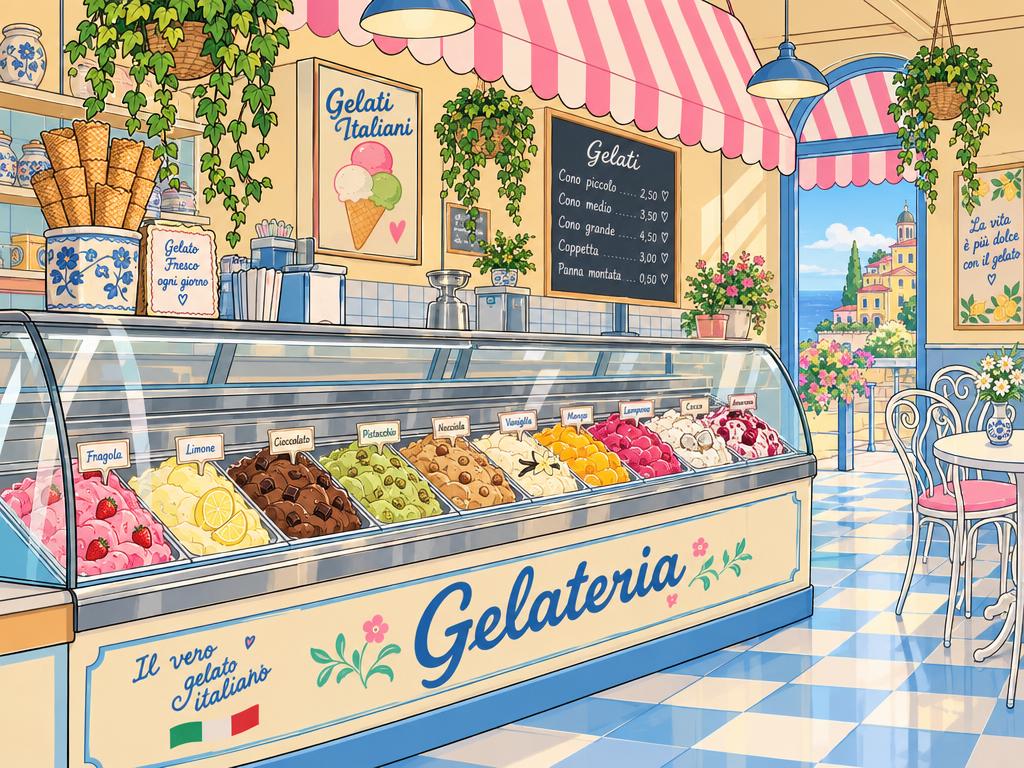
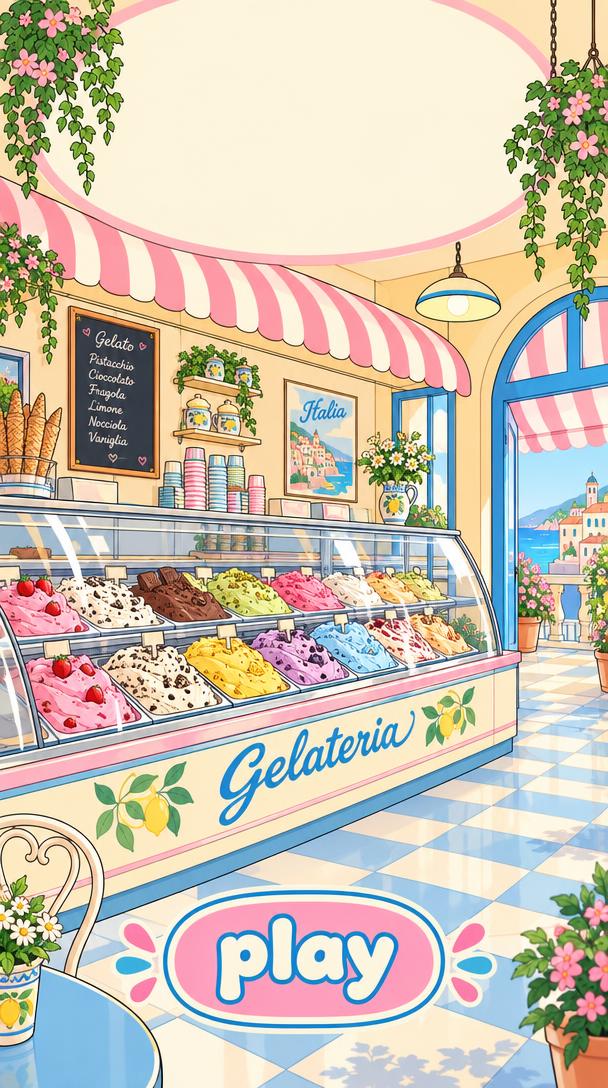
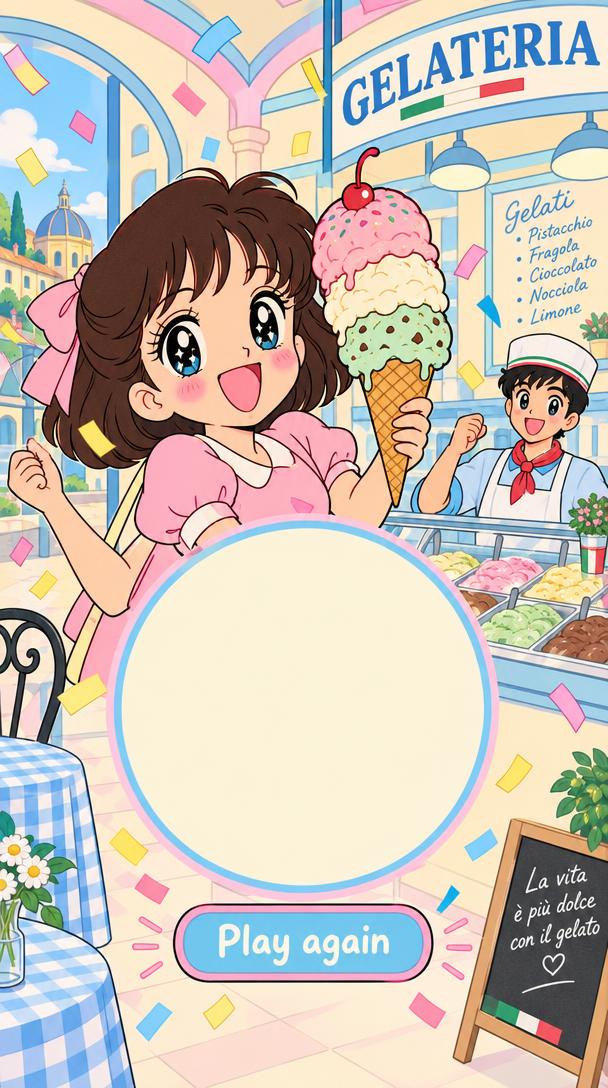
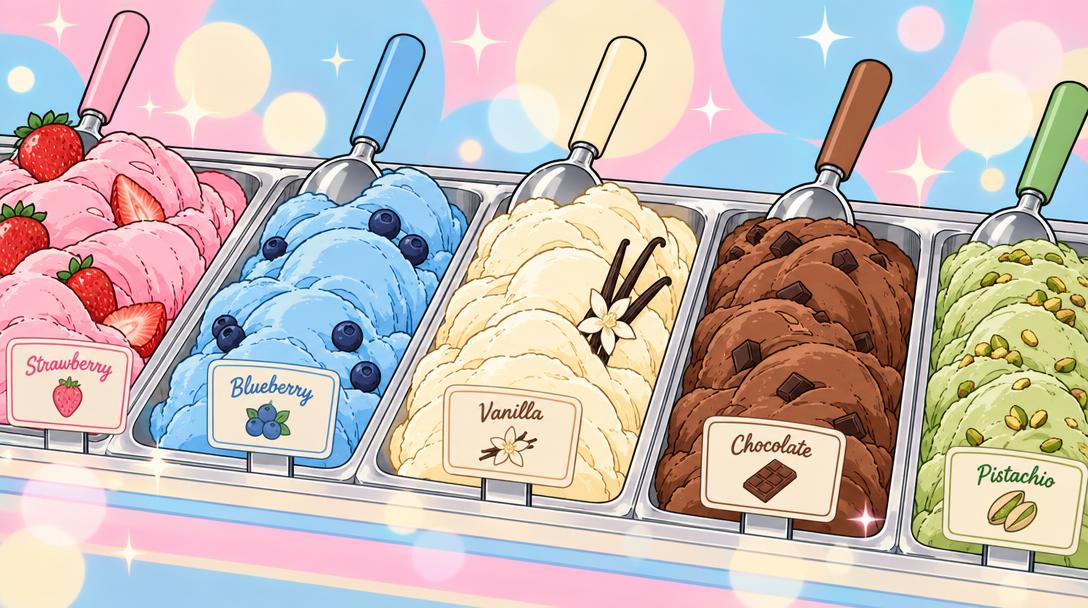
Mood and key screens. Every frame below is a placeholder: drop the final art into the images folder with the same file name and reload the page.

Core loop
Six beats repeat every few seconds until the timer runs out. Select a step to jump the animation to it.
The game screen
This phone is a working prototype of a round. Drag across three or more matching scoops to play. Hover the list to locate each element.

Pause
Stops the timer and all animations. Opens the pause menu (resume, restart, settings).
Timer
Counts down from 2:00. Starts with the first move. Pulses red in the last 10 seconds. At 0:00 the round ends.
Points
Total score of the round. Counts up with a short roll animation.
Matches Bar
Fills with every point scored. When full, a random match gift drops into the Gift Slot and the bar starts again.
Streak multiplier
Appears from the second consecutive match. Shows the current multiplier (×2 to ×5).
Customer
Avatar next to the board. Reacts to matches with cosmetic animations and speech bubbles only.
Board
5 columns × 10 rows of scoops. Cleared scoops are refilled from above.
Buy Slot
Reserved for a later purchase feature. Greyed out and not interactive in v1.
Gift Slot
Holds one gift from the Matches Bar. Tap it to place the gift on a random scoop of the board.
Connecting scoops
The only input in the game. Players never swap; they trace a path through neighbouring scoops of one flavour.
Touch, hold, drag
The chain starts on the first touched scoop. Each scoop the finger enters is added if it neighbours the last one and has the same flavour.
Eight neighbours
Horizontal, vertical and diagonal neighbours count. The finger must be near the centre of a cell (about 40 % radius) so diagonals do not trigger by accident.
Backtrack to undo
Moving back onto the previous scoop removes the last one from the chain. A scoop can only be used once per chain.
Release to serve
Three or more scoops clear. Shorter chains are cancelled with a small shake and no penalty. Chains of four or more leave a gift where the chain ended.
Gravity and refill
After every clear the board resolves in a fixed order. New scoops always come from above, so the board is never empty.
Straight down only
Scoops never slide sideways. Fall duration is about 380 ms with a slight overshoot so they land with weight.
No automatic matches
Refill never clears anything by itself. Scoops only clear through the player's gesture or a gift.
Always playable
If no chain of three exists after a refill, the board reshuffles. Input is locked while the board resolves.
Scoring and streak
Every cleared scoop is worth one point. Matching quickly and repeatedly builds a multiplier on top.
Points per match = cleared scoops × multiplier. A match made within 3 seconds of the previous one raises the multiplier by one step, up to ×5. Waiting longer than 3 seconds resets it to ×1. Gift activations count as matches.
| Move | Scoops cleared | Time since last match | Multiplier | Points |
|---|---|---|---|---|
| Match 1 | 4 | n/a | ×1 | 4 |
| Match 2 | 3 | 1.8 s | ×2 | 6 |
| Line Clear gift | 5 | 2.1 s | ×3 | 15 |
| Match 4 | 3 | 4.0 s | ×1 (reset) | 3 |
Matches Bar and Gift Slot
The bar turns steady play into rewards. Every point scored, including multiplier points, fills it.
Fill
The bar gains the same amount as the score. The threshold is 150 points (tunable). Overflow carries over into the next fill.
Reward
When full, one random match gift (Line Clear to TNT, weighted, Full Clear excluded) flies from the bar into the Gift Slot.
Use
Tapping the slot places the gift on a random scoop. From there it works like any gift. While the slot is occupied, the bar stays full and waits.
Match gifts
The longer the chain, the stronger the gift it leaves behind. The gift replaces the matched scoops at the position where the chain ended.
Combination matrix
Connecting two gifts fires a stronger effect automatically. The matrix is symmetric: the order of the two gifts does not matter. Select any cell to preview it.
Flavours
Five flavours at launch. Each has its own colour and its own emblem, so players with colour-vision deficiencies can tell them apart by shape alone.
The customer
An avatar standing next to the board. Its reactions are purely cosmetic: they reward the player emotionally but never change the score.
Idle
Default loop. Looks at the board and taps a foot after 5 s without a match.

Happy
Any match of 3 scoops. Short hop.

Delighted
Match of 4+ scoops or a gift activation. Claps.

Ecstatic
Any gift combination or a streak of ×4 or higher. Jumps with confetti.
Balancing values
All values below must be data-driven so design can tune them without a new build. Values marked tunable are starting points for playtests.
| Parameter | Value | Notes | Status |
|---|
Decisions and open points
Where the original design left room for interpretation, this document makes a proposal. These items need a final sign-off.
Image asset list
Every image slot in this document. To replace a placeholder, save your image under the listed file name in the images folder next to index.html and reload.
| Preview | File | Content | Recommended size | Used in | Status |
|---|
File types can be changed (for example .png to .webp) by editing the src attribute in index.html. The animated demos use vector stand-ins for scoops and gifts and do not need image files.